Security first
Public pages now carry a stronger sense of trust, with clearer language around safe access and support.
Smart Savings Microfinance Bank helps individuals and growing businesses manage money with a simpler digital experience, clearer support, and dependable account access wherever life takes them.
Always-on digital access for everyday banking moments.
Layered verification steps designed to keep access protected.
Helpful support when you need answers, updates, or reassurance.
From account monitoring to support requests, every public touchpoint is designed to help customers act quickly and stay informed.





We replaced crowded marketing blocks with a tighter, more practical story about access, security, and support.
Stay aware of key activity with a cleaner, more digestible public experience.
Customers can reach support quickly without hunting through the interface.
Home, about, contact, and login now point to the next action more clearly.
Dark mode, visual hierarchy, and calmer messaging reinforce security and focus.
Public pages now carry a stronger sense of trust, with clearer language around safe access and support.
Contact pathways and next steps are easier to spot, whether a visitor needs help or wants to get started.
We trimmed visual clutter and shifted the layout toward practical guidance and strong calls to action.
This refresh focuses on frontend-only changes: structure, presentation, copy, and visual tone. Existing PHP includes, JS hooks, forms, and account workflows remain in place.
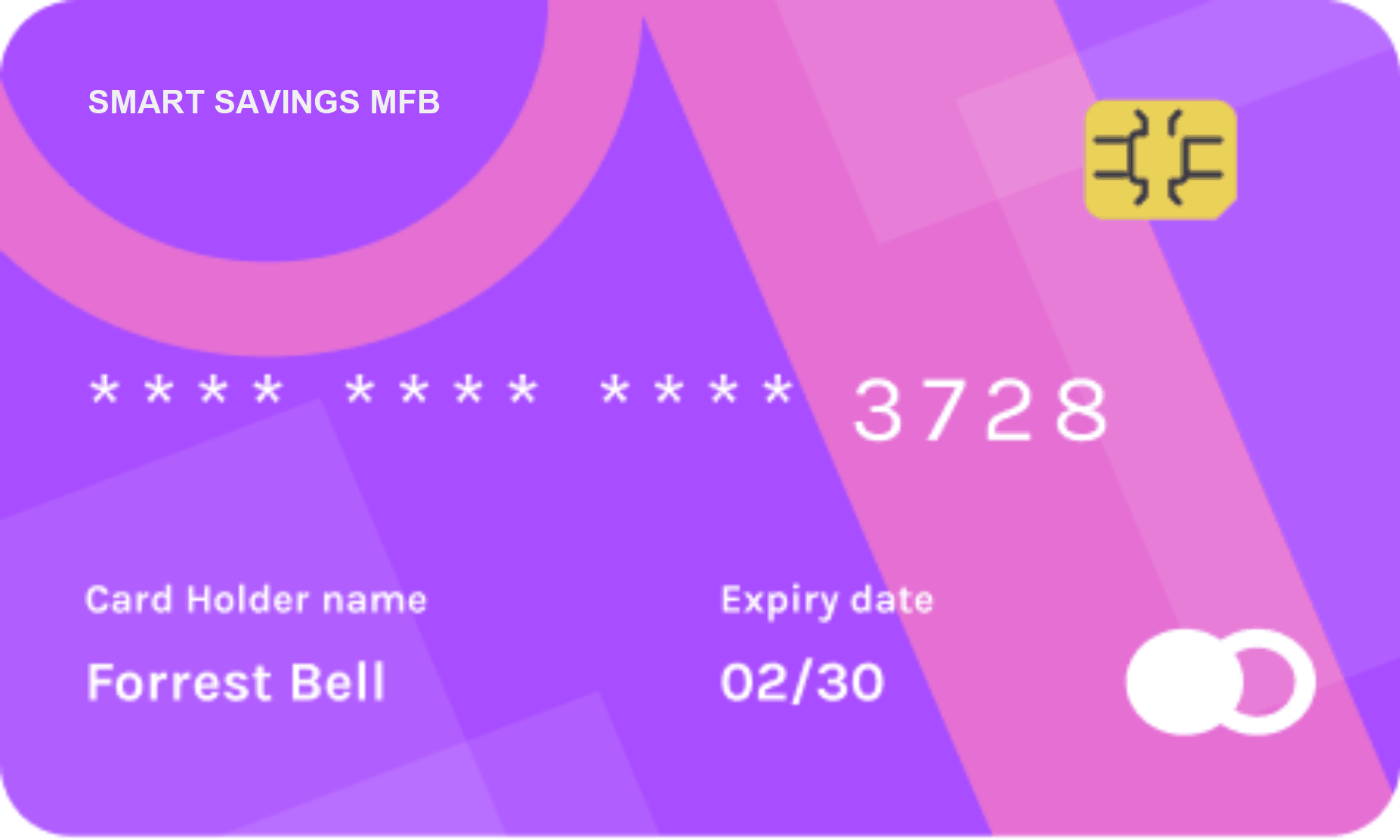
Customers can move from information to action quickly, whether they are checking support routes, preparing to log in, or exploring how the bank works.
These are the most common questions visitors ask before logging in or contacting the bank.
Use the contact page to send a support request, and include the issue you are facing so the team can respond with the right next step.
The login flow uses verification checks, and customers should never share account credentials or OTP details with anyone.
Start with the contact page to request guidance or account support, then use the login page whenever your access details are ready.
Support can assist with account questions, service requests, general complaints, and guidance on what to do when you cannot access your account.
Continue to secure login if you already have account access, or contact the team if you need help before you begin.

Smart Savings Microfinance Bank delivers secure digital banking experiences with dependable human support when it matters most.